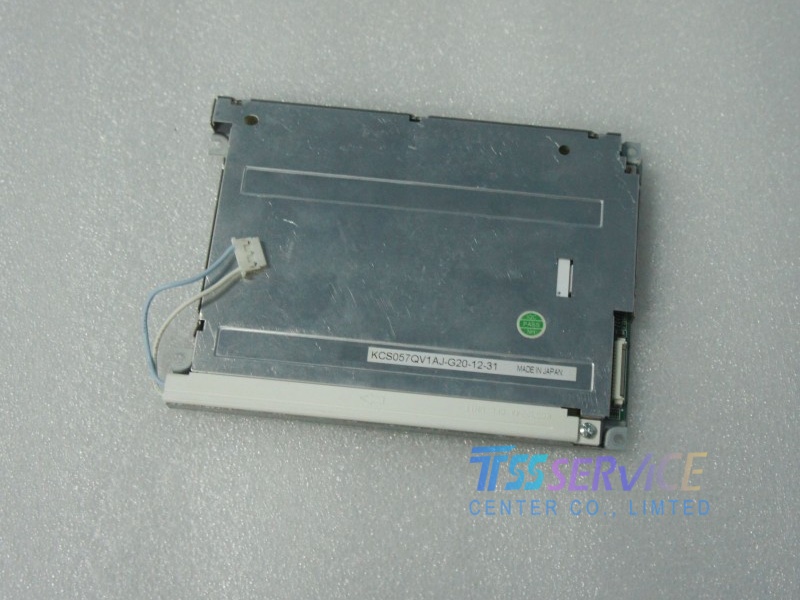
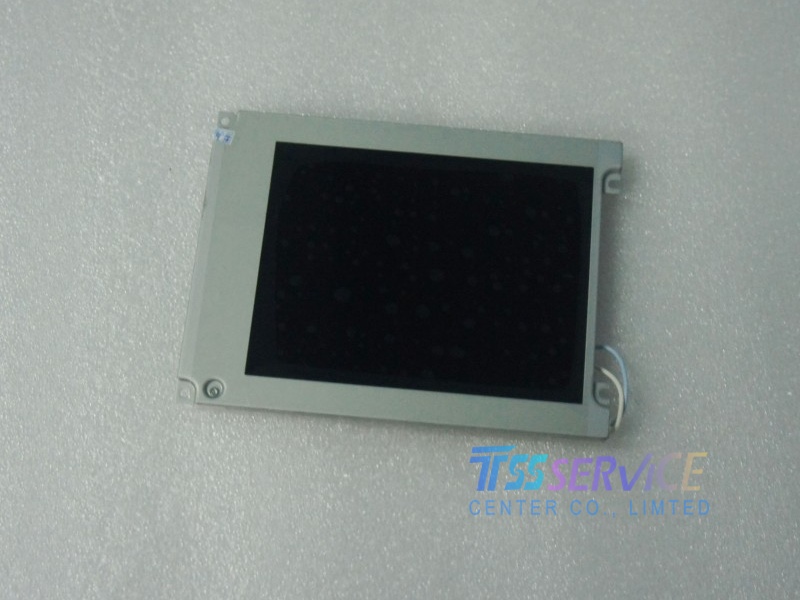
Kyocera Display KCS057QV1AJ-G20 General Features
KCS057QV1AJ-G20 is a 5.7-inch CSTN-LCD display module designed for Kyocera applications, offering clear QVGA resolution of 320 × 240 pixels for functional text and graphics. Engineered for energy efficiency and stable performance, this module is ideal for a range of industrial and commercial uses, including handheld terminals, portable medical devices, control interfaces, and instrumentation. Built with Kyocera’s high-quality standards, it ensures durable construction, consistent visual output, and long-term operational reliability in demanding environments. This module provides a cost-effective and dependable display solution for professional and embedded systems where clarity, low power consumption, and robust construction are essential.
| Brand |
KYOCERA |
| Model |
KCS057QV1AJ-G20 |
| Panel-type |
CSTN-LCD, LCM |
| Size |
5.7" |
| Resolution |
320×240 [QVGA] |
| Aspect Ratio |
4:3 (H:V) |
| Outline Size |
154.6(H) × 114.8(V)
|
| Display Mode |
STN, Normally Black |
| Brightness |
200 cd/m² (Typ.) |
| Contrast Ratio |
40 : 1 (Typ.) (TM) |
| Response Time |
220/110 (Typ.)(Tr/Td) ms |
| Viewing Angle |
50/50/30/30 (Typ.)(CR≥2) |
| Display Colors |
Color |
| Lamp Type |
1 pcs CCFL , 40K hours , Optional |
| Signal Interface |
Parallel Data (8-bit) , Connector , 15 pins |
| Touch Screen |
Without |
| Input Voltage |
5.0V (Typ.) |
| Operating Temp |
0 ~ 60 °C |
| Storage Temp |
-20 ~ 60 °C |
Answer:
Firmware upgrades for smart modules are usually not open to end-users but may be needed during development. The method depends on the manufacturer's design:
-
Upgrade via Serial Port (Most Common): The manufacturer provides a dedicated PC upgrade tool and a firmware file (.bin). The module must enter a special “Bootloader Mode” (usually by holding a test point or sending a specific command sequence during power-on), then connect via UART to flash the firmware.
-
Upgrade via Reserved Interface: The module may have reserved JTAG, SWD, or ISP interfaces for connecting a programmer to directly program the internal main controller chip.
Important Warning: Firmware upgrades are risky; improper operation can “brick” the module. Before upgrading, ensure the firmware file is a 100% match for the model KCS057QV1AJ-G20 and strictly follow the manufacturer's upgrade guide.